minacode
A small terminal coding agent
minacode works in your terminal: you describe a task, and it reads code, edits files, runs commands, and reports back. It keeps stable prompt prefixes so supported providers can reuse work, maintains a searchable code index, runs background jobs, tracks its own working notes, and resumes where you left off.
minacode is the former nanocode, renamed once it outgrew the single file that made it nano.
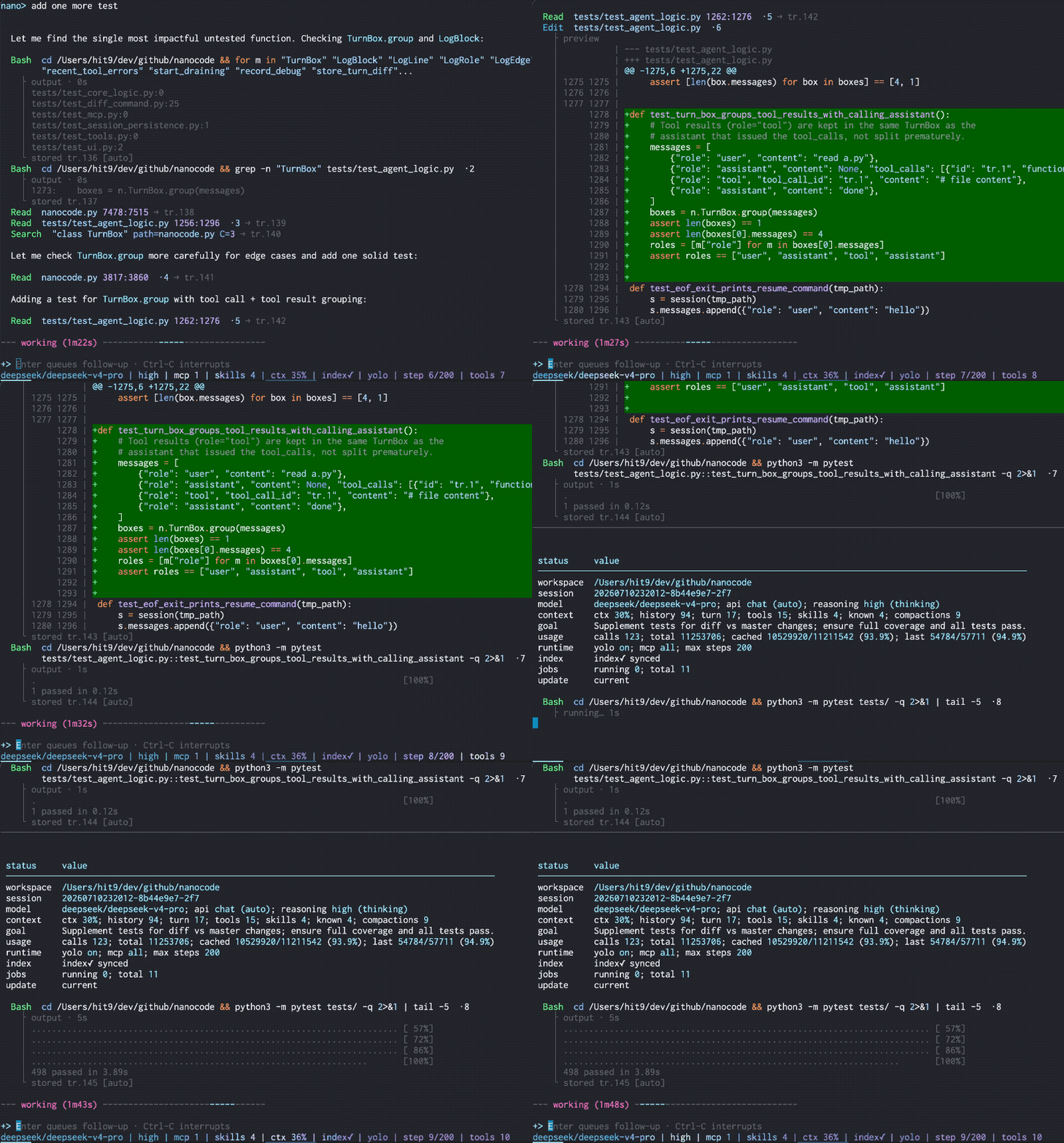
Editing code and running tools in one interactive session.
Use at your own risk
minacode edits files and runs shell commands in the directory where you start it. It has no sandbox of its own. Run it inside a container, VM, or another isolated environment when you need isolation. See Safety.
Install and run
uv tool install minacode
minacode --init-config          # write ~/.minacode/config.toml
# add your provider's url, key, and model to that file
minacode
Full walkthrough: Getting started.
What it does
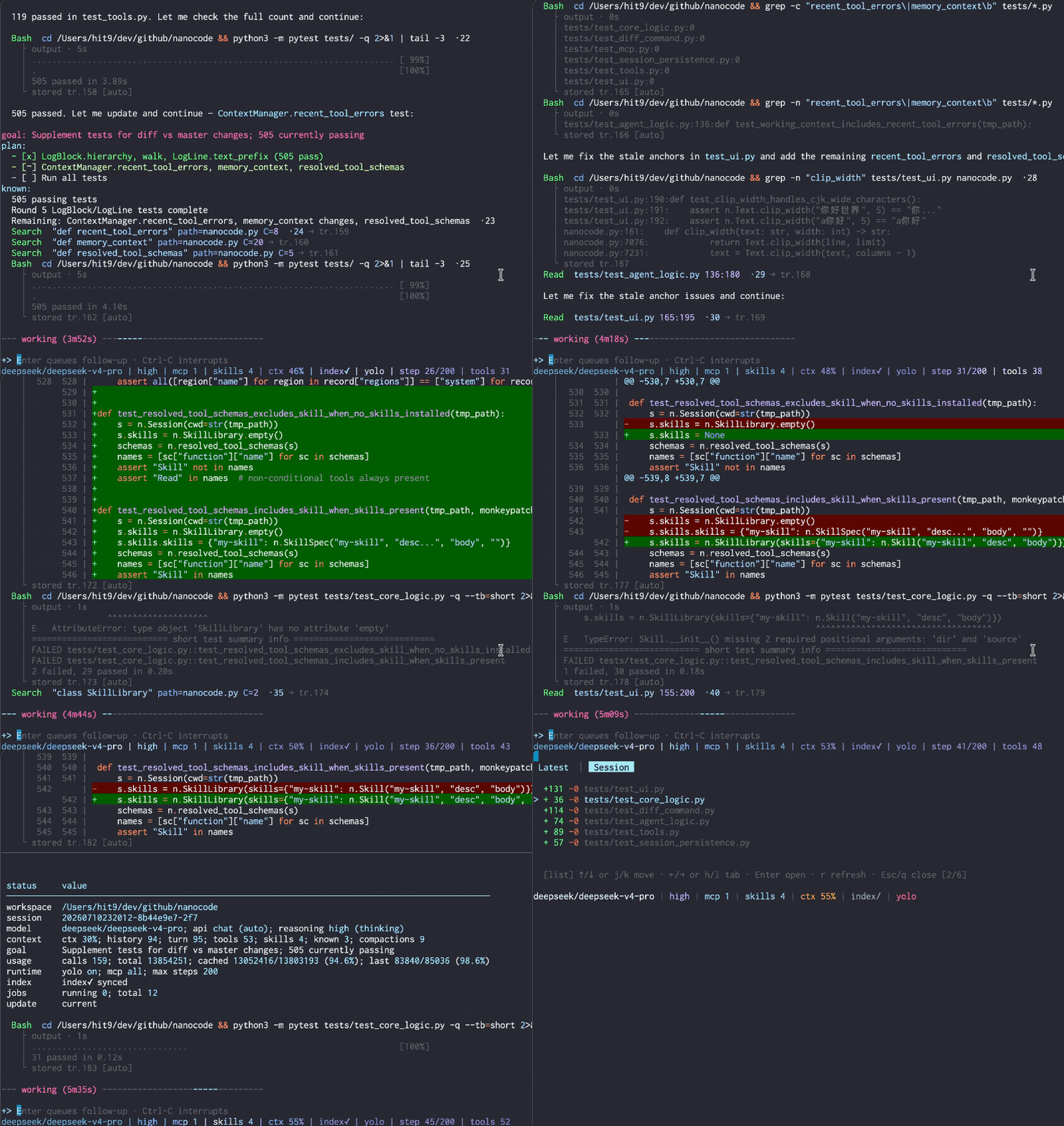
Working through a repository task in an interactive session.
Area |
In short |
|---|---|
Follow-ups, commands, keys — how you drive the agent. |
|
Read, search, navigate code; edit files; run commands; background jobs. |
|
Your work is saved and resumable with |
|
Connect external Model Context Protocol servers and use their tools. |
|
Load reusable instruction packs on demand. |
|
Any OpenAI-compatible API, plus Anthropic. |